
 GranolaBest
Best virtual and in-person AI note taker
Best virtual and in-person AI note taker Wispr FlowBest
Best AI voice dictation app
Best AI voice dictation app ChatGPTBest
Best overall AI chat app
Best overall AI chat app ClaudeBest
Best for thoughtful reasoning and execution
Best for thoughtful reasoning and execution Superhuman MailRecommended
AI email client
AI email client KickRecommended
Best AI accounting & bookkeeping
Best AI accounting & bookkeeping LittlebirdRecommended
Best for context-aware recall
Best for context-aware recall SupercutRecommended
Best AI video messaging tool
Best AI video messaging tool MotionRecommended
Best AI project management for small-mid-size teams
Best AI project management for small-mid-size teams PerplexityRecommended
Best for researching, whether work, student, or personal
Best for researching, whether work, student, or personal
Summary
Summary
Granola
GranolaBest alternative for invisible meeting note taking.
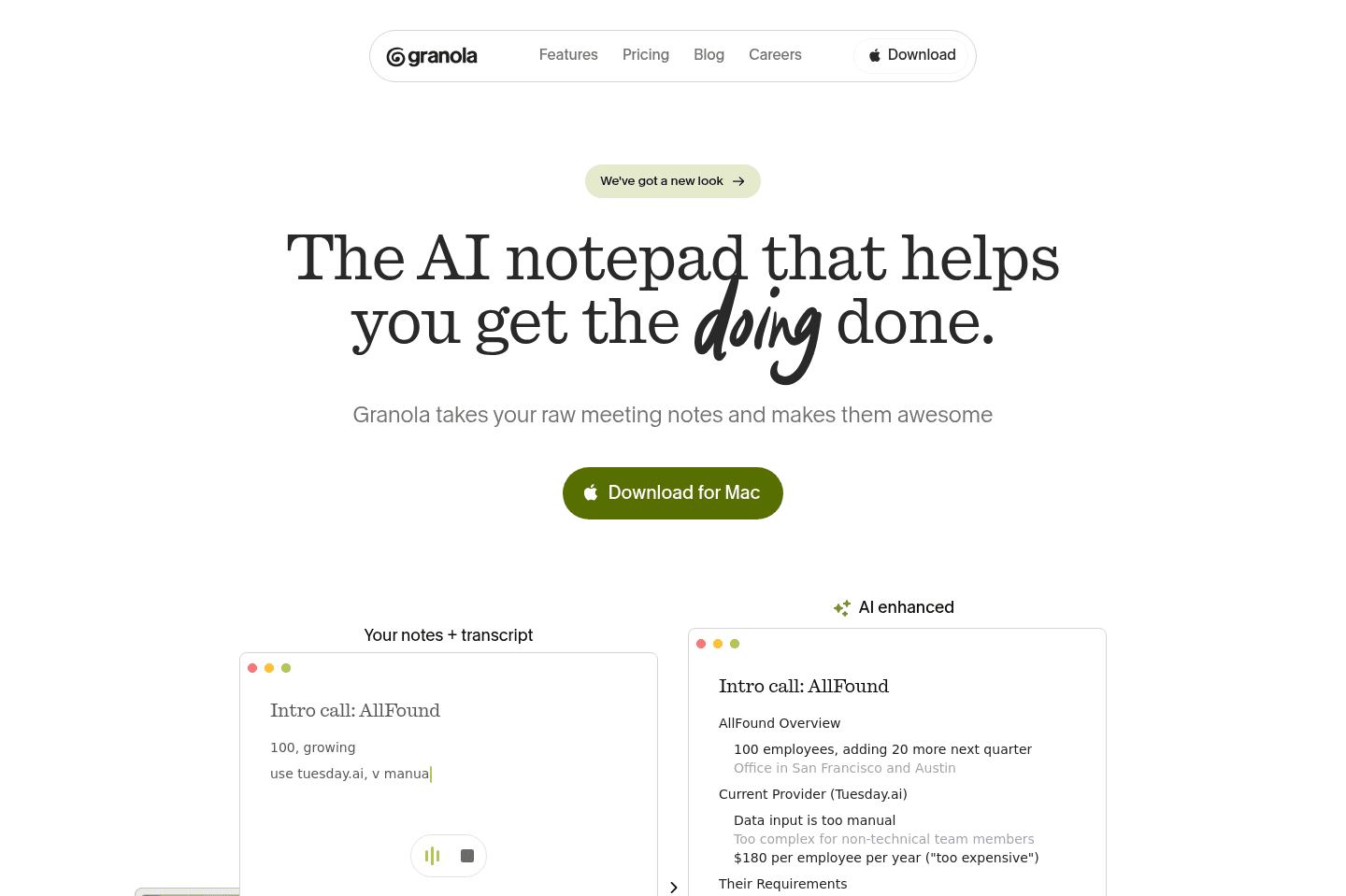
Granola is a great alternative for those who want to record and document meetings without interrupting the flow or alerting other participants. If you need a note taker that runs quietly in the background, without bots joining your calls or being visible to attendees, Granola fits that workflow. It's especially useful if you want to ask an AI assistant questions about your meetings, or even get help during the call with context-aware prompts to keep the conversation moving.
You can use Granola for both virtual and in-person meetings, making it a flexible option for teams who meet in different formats. If you want your meeting notes enhanced with extra context and the ability to reference details from past meetings across your entire company, Granola is set up for that.
Keep in mind, Granola does not let you play back audio recordings, it's focused on generating and searching notes, not audio review. If you need audio playback, this may not be the right fit.
Wispr Flow
Wispr FlowBest alternative for fast reliable dictation.
Wispr Flow is a great alternative for those who want to move quickly between apps and get their thoughts out without stopping to edit or repeat themselves. If you find traditional dictation tools unreliable or distracting, this is for you. It works anywhere you can type, Slack, email, social, content drafts, and consistently turns your spoken words into clean text, so you can keep up your momentum even when juggling different tasks or switching contexts all day.
If you're a business owner, professional, or knowledge worker who has ideas piling up faster than you can type, Wispr Flow helps you capture and share them before they slip away. It's especially valuable if you often answer client questions, collaborate with team members, or want to turn quick thoughts into publishable content. It also stands out for people who work across multiple languages or prefer to dictate on both desktop and phone.
ChatGPT
ChatGPTBest alternative for general purpose AI conversations.
ChatGPT is a great alternative for those who want an AI chatbot that can answer questions in plain language, help write code, and explain concepts step by step. If you're not technical, you can just start chatting and get answers that feel natural and human. If you're a developer, you can also use the API to add these capabilities into your own projects.
It's accessible to anyone, regardless of technical background. If you want a tool that can teach, assist, and even help you level up your skills, ChatGPT is worth considering.
Superhuman Mail
Superhuman MailBest alternative for fast focused email.
Superhuman Mail is the best alternative for those who spend a significant part of their day in email and want to move through their inbox at maximum speed without distractions. If you check email multiple times per day, rely on keyboard shortcuts, or feel bogged down by slow load times and clutter, this tool is built to keep you in flow. Its minimal design and instant performance make it easy to process messages quickly, batch similar emails, and stay focused even when inboxes get overwhelming.
If you handle sales, manage a team, or need to collaborate on email threads, Superhuman Mail's workflow features and AI tools can help you draft replies in your own voice, track follow-ups, and share threads for input without leaving your inbox. The mobile app is designed for fast triage on the go, so you can stay on top of things wherever you are.
If you rarely use email or don't feel slowed down by your current client, Superhuman Mail may feel unnecessary. But for anyone who lives in their inbox and wants the fastest, most focused email experience, it's a clear top choice.
Kick
KickBest alternative for easy AI bookkeeping and accounting.
Kick is a great alternative for those who want a bookkeeping and accounting platform that actually feels built for business owners, not accountants. If you're running a new business, handling multiple companies as a solopreneur, or just tired of wrestling with clunky software, Kick stands out for its clean interface and quick setup. The integrations with Stripe, PayPal, and Mercury work right away and take the pain out of connecting your accounts.
If you want to spend less time on manual bookkeeping tasks, Kick's automation covers most of the heavy lifting, including transaction categorization and clean reporting. Managing multiple businesses from a single account is especially useful if you're juggling several ventures.
Kick isn't the right fit if you need full accrual accounting, in-depth inventory tracking, or complex e-commerce support. Those workflows will run into limits here.
Supercut
SupercutBest modern alternative for async team communication.
Supercut is a fantastic alternative for those who want to cut down on meetings and make screen recordings the main way to communicate at work. If your team prefers sending quick video updates instead of jumping on calls, or if you want to show support teams exactly what's happening on your screen, Supercut fits right in. It also works well for recording walkthroughs to help onboard new team members or customers.
Motion
MotionBest alternative for calendar-driven AI project management.
Motion is a great alternative for those who want their project management tool to take the hassle out of scheduling and prioritization. If you're tired of constantly updating deadlines or figuring out what to focus on next, Motion stands out by automatically organizing your team's tasks directly onto your calendar, adjusting as meetings and priorities shift.
This approach is especially useful for small to mid-sized teams, busy professionals, or freelancers who want to spend more time working and less time managing their workflow. Motion also brings meeting notes, documentation, and workload tracking into one place, making it easier to keep everything connected without jumping between tools.
If you prefer to control every detail of your schedule yourself or need advanced reporting and dashboards, Motion may not be the best fit. It's also not designed for large enterprise environments.
Perplexity
PerplexityBest alternative for fast web-sourced answers.
Perplexity is an alternative for those who want direct, sourced answers from across the internet without digging through traditional search results. If you're often tackling research projects or need reliable citations pulled in real time, this tool fits well into your workflow.
You can easily switch between different language models depending on your needs, which helps when you want a fresh angle or a specific approach to finding information. The built-in browser also lets you set Perplexity as your main search engine and try out new AI-powered browsing tools.
If your work relies on deep reasoning, advanced problem solving, or heavy math, Perplexity is less effective for those tasks. It's strongest when the job is finding and summarizing information with sources.