

Wow - I’m the CEO of a 200 person food manufacturing company. This video has been huge for us.
You easily convinced me to switch our team of 10 from Monday to Motion.
I don't think I really ever knew what love was until I saw this video. To be clear, I'm talking about Motion. Thanks for the great vid!
Excellent breakdown, packed with insightful tips and tricks. Fantastic job.
Love this video! Lots of on-the-nose help in a short amount of time!!
Super helpful tutorial - thank you!
Really helpful, the best video on any software I ever saw.
Fantastic and educational! We've been weighing a bunch of solutions and your video is helping us go in the right direction. Thanks for putting it together!
Wow - I’m the CEO of a 200 person food manufacturing company. This video has been huge for us.
You easily convinced me to switch our team of 10 from Monday to Motion.
I don't think I really ever knew what love was until I saw this video. To be clear, I'm talking about Motion. Thanks for the great vid!
Excellent breakdown, packed with insightful tips and tricks. Fantastic job.
Love this video! Lots of on-the-nose help in a short amount of time!!
Super helpful tutorial - thank you!
Really helpful, the best video on any software I ever saw.
Fantastic and educational! We've been weighing a bunch of solutions and your video is helping us go in the right direction. Thanks for putting it together!
Motion Course Summary
Motion Course SummaryYour Motion Account Set Up, Fast.
I see you, you're a "let's cut to the chase" type of person (we are too).
You've tried project management software in the past: Asana, ClickUp, Monday...and now you've found Motion. You see there's something unique about this software. It's not like the others. The idea of having your entire team living and breathing by their calendar just makes sense.
Sign me up.
Perhaps when you first heard of Motion, you even wondered:
"why didn't anyone think of this sooner?"
With setting up any software, there's a learning curve, you know that, you've been here before.
But this time you want to fast track that learning curve as fast as possible, (like in about an hour kind of fast).
You don't want to set up Motion just "winging it", then spend time training your team, only to find out months later that you weren't using it quite right or getting the most out of it. That'd be a major waste of time, and you—you value your time.
We're similar, which is why we created this training to be:
- Jam packed with value - no fluffing about here.
- To the point - once you get through the 4 minute intro, you're in full tutorial mode for the entire hour for setup. Pause and implement as you watch. Even with pausing, you should be able to set up your Motion account for your team in under 5 hours. We just added 4 new modules covering AI employees (for legacy Motion customers only, as it's now deprecated) but think of that as the sugar on top!
- Real - we show you inside OUR Motion account. Our promise to you is that this isn't a "let's give hypothetical examples and set up a demo account that is so far removed from reality!" type of training. If you were to look over our shoulder today, you'd see Motion is set up exactly the way that we teach you (we eat our own dogfood 🐾).
- Nifty - we give you tips on how to use Motion that you won't find anywhere else on the internet. And trust us, they'll save you time!
Ready to get started?
Motion Course Overview
Motion Course OverviewRequirements
RequirementsA laptop or desktop with reliable internet access
A Motion account.
Basic familiarity with SaaS tools.
A willingness to experiment and iterate.
Commitment to improving your daily habits and tooling.
Curriculum
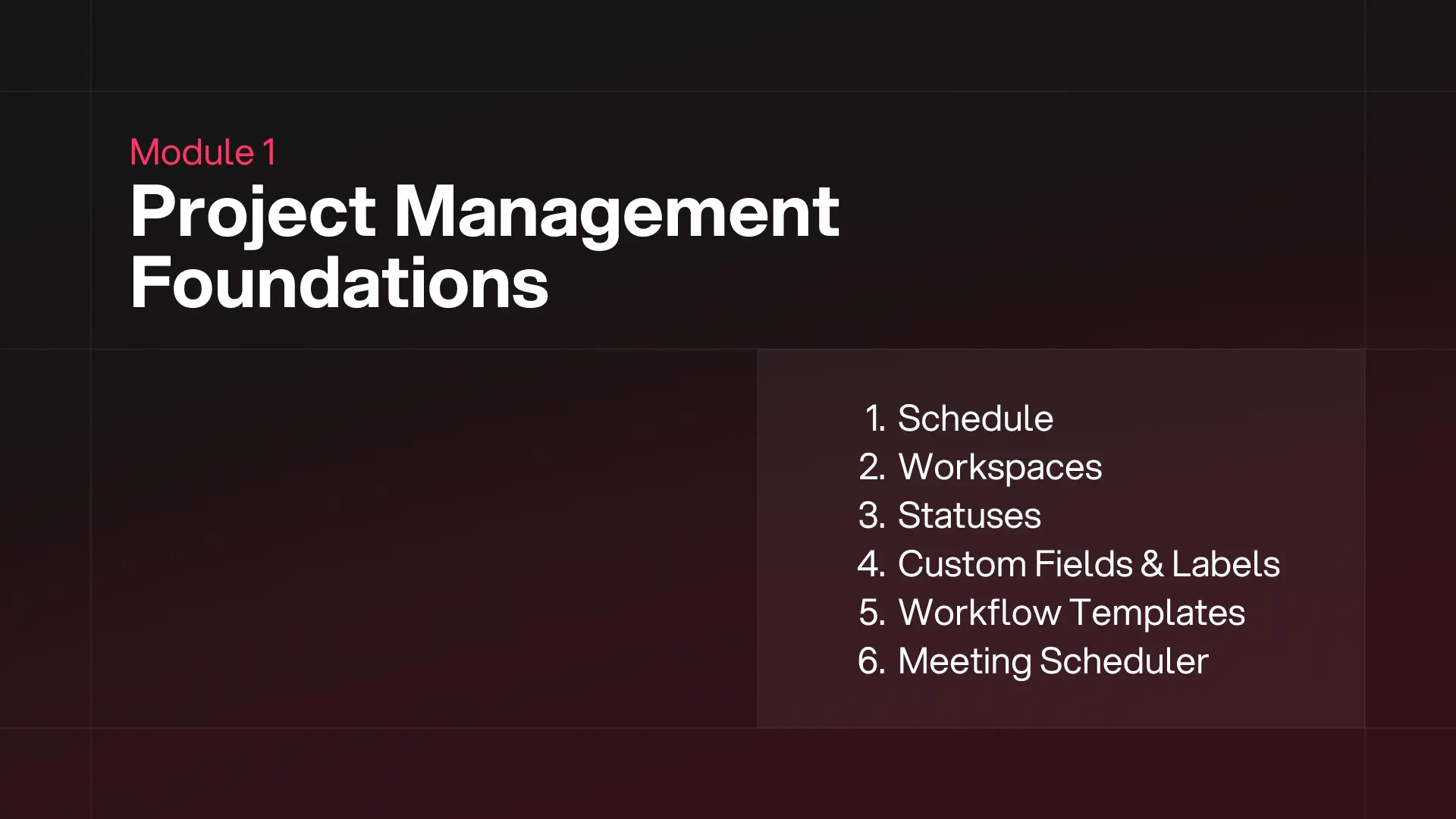
CurriculumModule 1: Motion Project Management Foundations
- When should I use a workspace?
- How should I think about project workflows? Detailed step-by-step walk-through.
- When should I use custom fields? Give me examples!
Module 2: Visualizing Projects in Motion
- What are the most helpful ways to visualize projects in Motion?
- Get our EXACT filtered view settings to copy in your account!
- Tips to quickly modify views that you probably don't know about.
Module 3: Tips for Using Motion Daily
- Using tasks vs projects (methodology).
- How to correctly push deadlines in Motion (there is a wrong way).
- How & when to use Motion for time tracking.
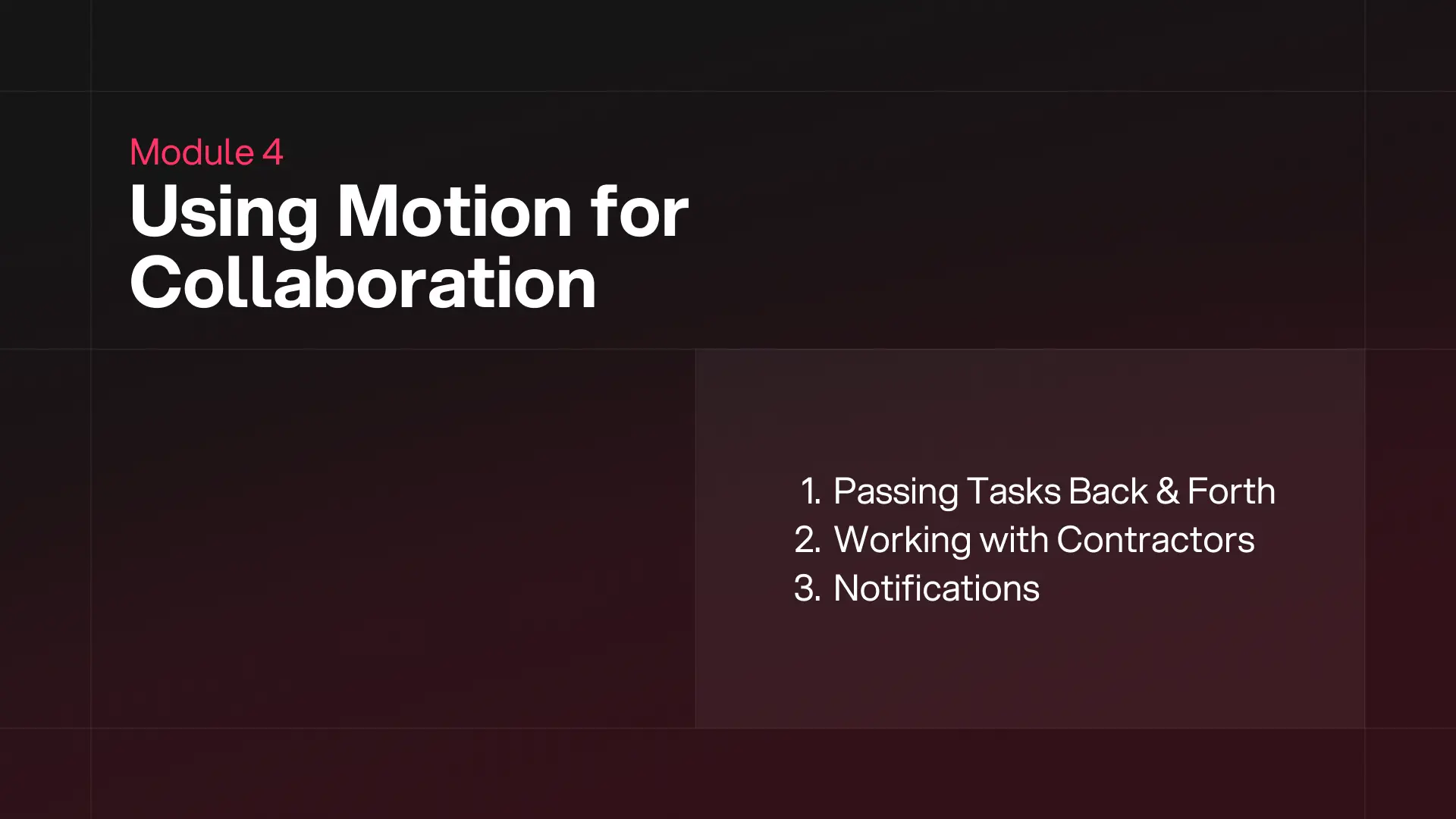
Module 4: Collaborating with Team Members in Motion
- Learn the right way to ask a team member to review your work in Motion.
- How do you use Motion with contractors?
- What is the best way to manage Motion notifications?
Module 5: AI Docs + Sheets
- AI Agenda
- AI Docs
- AI Sheets
Module 6: AI Meetings
Learn how to fully leverage AI for meeting prep and note-taking and even get personalized coaching to improve your future meetings!
- Meeting Prep
- Meeting Recorder & Note Taker
- Past-Meeting Insights
Module 6: AI Assistant
Copy our cheat sheet questions to get the most out of this feature! We also cover how to use Motion’s chat to ‘replace’ your project manager, people manager, and more!
- Use-case ideas & examples
- Bonus tip: talking to Motion!
Module 7: Motion AI Employees (Legacy Users)
(This module is only relevant to Legacy Motion customers who purchased Motion before 11/20/2025), they have since depricated this feature.
We dive into how to create your own AI Employee Skill from scratch. You’ll learn by example through three practical automations we've built ourselves:
- AI Folder Clean Up – Automatically organize and maintain project folders.
- AI Project Status Change – Keep your project statuses in sync without manual updates.
- AI Client Project Status Update – Automatically send your clients or team a written summary of your project's progress!
You'll leave knowing the foundations to build any skill you want.
Instructors
Instructors
Andra Vomir
Co-Founder & CMO
16+ years of experience
4+ yrs using Motion
7 yrs using Asana
For the past decade, we've been on the ground floor with hundreds of businesses doing anywhere from $500K-$50M in revenue, helping them find the best path forward with their software choices and internal processes.
We cut our teeth in software implementation—learning a business' processes, mapping them to the right software, building custom integrations to automate manual tasks, and training teams on how to adopt new tools while documenting all the steps to the process.
That being said, we understand a few critical things:
- Implementing software is a huge investment. And we're not talking about the subscription cost. We're talking about the opportunity cost of time spent researching, setting up, and training team members on each new tool.
- Doing it right from the beginning pays off enormously in the years ahead. We saw time and time again, that teams with efficient processes are less stressed and can actually focus on the strategic areas of the business.
When we started publishing the advice we'd been giving to customers privately, we began receiving messages from teams all over, thanking us for helping them gain clarity.
This shift led us to stop taking on individual clients and focus all our efforts on “software education at scale.” Since then, we've helped nearly 2 million people online with their software choices—and we feel like we're just getting started.Testimonials
TestimonialsAlex Sinzer
Wow - I’m the CEO of a 200 person food manufacturing company. This video has been huge for us.
Ron Rgr
You easily convinced me to switch our team of 10 from Monday to Motion.
Vanessa Garcia
I don't think I really ever knew what love was until I saw this video. To be clear, I'm talking about Motion. Thanks for the great vid!
Wynntom
Excellent breakdown, packed with insightful tips and tricks. Fantastic job.
Larson Studios
Love this video! Lots of on-the-nose help in a short amount of time!!
Jameson Kle
Super helpful tutorial - thank you!
Shashwat Gang
Really helpful, the best video on any software I ever saw.
Logical Pro
Fantastic and educational! We've been weighing a bunch of solutions and your video is helping us go in the right direction. Thanks for putting it together!
FAQ
FAQIs the Motion Training for Individuals or Teams?
Is the Motion Training for Individuals or Teams?The training is mainly designed for teams from 2-100+ people using Motion. That said, individuals who are busy professionals looking to set up systems for themselves and a team in the future will highly benefit from this training.